
Mobile games reach players in more than one way. Most people tap an install button in an app store and start playing within seconds. Others come across APK files while trying to access a game that is not available in their region or does not support their device. Both paths exist for a reason, and neither serves every player in the same way.
If you play games on Android, you have likely seen both options mentioned in forums, guides, or device setup tips. Understanding how they differ helps you make better choices about updates, storage, and security, without treating one option as better by default. Each method fits a specific situation and type of player.
Some gamers download APK files through platforms that host standalone installers for Android. These files work alongside app store releases rather than replacing them, and they reflect how flexible Android’s distribution model can be.
Quick Overview
This article explains how mobile games are distributed through app stores and APK files. It looks at availability, updates, security, and storage in plain language.
You will also see why different players choose different methods, depending on region, device limits, or update needs. The goal is clarity, not persuasion.
What App Store Versions of Mobile Games Offer
App store versions set the baseline most players know well. You open Google Play, search for a game, and install it with one tap. Updates arrive automatically, often without you noticing. Security checks run in the background, and developers must follow platform rules to publish and maintain their apps.
Another benefit is account enforcement. Developers tie releases to verified accounts, which reduces the spread of harmful software. Refund systems, user reviews, and content ratings add extra layers of trust. For casual players, this setup feels simple and stable.
That convenience comes with limits. App stores control regional availability. A game may appear in one country weeks before another. Some devices fail compatibility checks, even if they can technically run the game. For most users, these limits never matter. For others, they shape how and when they play.
What APK Versions of Mobile Games are
APK stands for Android Package Kit. It is the file format Android uses to install apps and games. Instead of downloading through an app store, you install the file manually on your device.
This method appears in legitimate situations. Developers share test builds as APKs. Players install older versions when newer updates cause issues. Some devices lack access to standard app stores, which makes APK installation a practical option.
Not all APK sources work the same way. Some focus on archiving versions. Others mirror official releases. Quality and safety depend on where the file comes from and how carefully it is handled. That is why understanding the differences matters more than choosing sides.
Availability and Regional Differences
Availability is often the first reason players notice APK files. App stores apply region locks based on licensing, age ratings, or rollout schedules. A highly anticipated game might launch in one market while others wait.
Delayed rollouts also affect performance. Multiplayer titles depend on synchronized updates and stable connections. When versions differ across regions, gameplay can feel uneven. This ties directly to mobile game performance, since outdated builds can struggle with servers tuned for newer releases.
Device compatibility adds another layer. Some phones fail official checks despite having the hardware to run a game smoothly. In these cases, players look for alternatives that let them test compatibility on their own terms.
Update Speed and Version Control
Updates define how smoothly a game evolves. App stores handle updates automatically. This keeps most players on the same version and simplifies online play. For live games, that consistency supports stable matchmaking and shared features.
APK updates require manual action. Players download and install each new version themselves. While that sounds inconvenient, it allows more control. Some users delay updates to avoid bugs or test changes gradually. Others roll back to earlier versions if a patch causes crashes.
These differences affect online game updates, especially in competitive titles. Version mismatches can limit access to servers or events. Knowing how updates work helps players avoid confusion and connection issues.
Security, Permissions, and User Responsibility
Security marks the clearest divide between the two methods. App stores review submissions and scan for known threats. They also manage permissions more visibly, prompting users when a game requests access to sensitive features.
APK installation shifts responsibility to the user. Before installing, players must review permissions and trust the source. File integrity checks matter more here. A careless install can lead to problems that extend beyond a single game.
Many issues fall into patterns seen in common gaming mistakes, such as skipping updates or ignoring permission warnings. Awareness reduces risk. The method itself does not decide safety. The way it is used does.
Storage Size, File Management, and Device Constraints
Storage concerns affect players with limited space or older devices. App store installs often bundle assets dynamically. This keeps the initial download smaller but may add data later.
APK files show their size upfront. That transparency helps players manage space more deliberately. It also allows manual cleanup of unused versions. On lower end devices, this control can make a noticeable difference.
The tradeoff lies in effort. App stores manage storage automatically. APK installs require attention to files and versions. Some players value that control. Others prefer not to think about it at all.
Which Option Makes Sense for Different Players
Casual players usually benefit from app stores. Automatic updates and built in security match their needs. Competitive players pay closer attention to version timing and compatibility, especially in online titles and fast-paced action games.
Players using older devices or living in region limited markets may turn to APKs to access content otherwise unavailable. Many puzzle games, for example, function well across versions, which makes update delays less noticeable. None of these choices reflect skill or commitment. They reflect circumstances.
The key is understanding the impact of each method on updates, security, and performance. That knowledge leads to fewer surprises and smoother play sessions.
Understanding Android’s app ecosystem
Android supports multiple distribution paths by design. This flexibility allows developers and players to adapt to different markets and devices. It also explains why APKs and app stores coexist rather than compete directly.
For a broader technical view, the Android operating system documentation outlines how installation packages, stores, and permissions work together. That structure shapes every choice discussed in this article.
Choosing the Right Game Version for Your Needs
App store and APK versions solve different problems. One prioritizes convenience and consistency. The other offers access and control. Knowing how each works lets you choose calmly, based on your device, location, and play style, rather than guesswork.
Related Posts
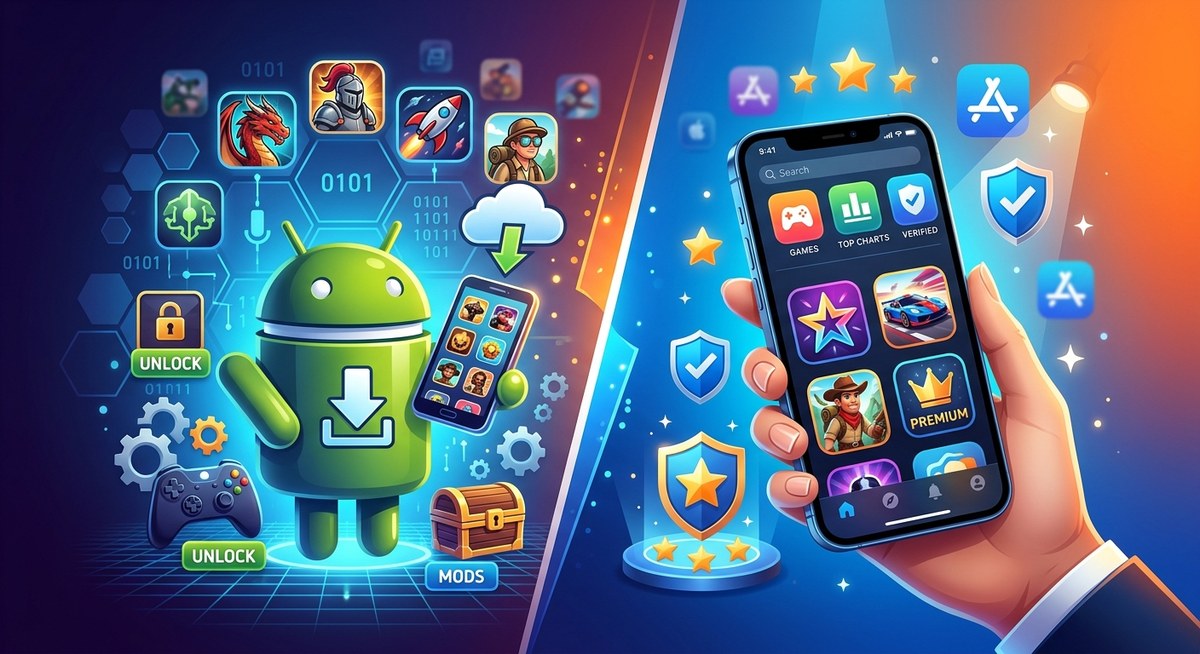
APK vs App Store Games: Which Is Better?
APK vs App Store Games: Which Is Better? Opening paragraph: Choosing how you get your mobile games can feel like choosing a side in a legend. Do you go with the official app store that your device manufacturer endorses, or…

Key Elements of Game Design That Make a Game Fun
Game design is built on key elements that are crucial in creating a game, and the right balance of these aspects determines whether a game will be enjoyable and engaging. Many players don't realize why they get addicted to a…
How Game Boy Transformed Portable Gaming
The Game Boy is an iconic handheld gaming device that not only entertained millions of people around the world but also revolutionized the meaning of portable gaming. When it was first released, it brought new hope to players who wanted…